How to Carry Client Video Feedback Across Cut Versions
A client asks you to hold on the product name at 00:42. By the time you pick up the note, you’ve cut three seconds from the opening and 00:42 is a shot of the street. The request still makes sense. Its address has changed.
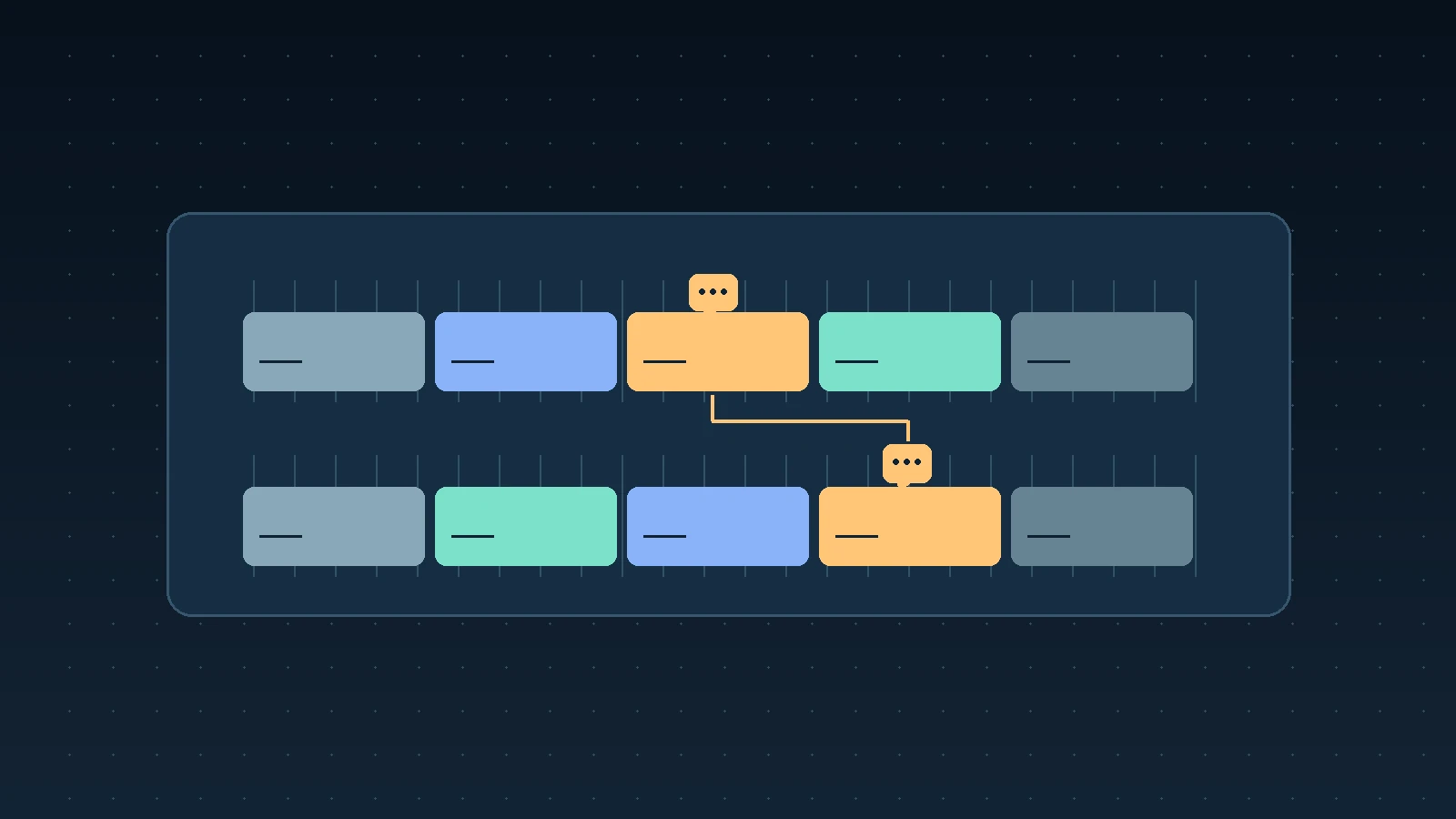
Keep the version, the timecode, and a short description of what the viewer saw together in each note. When you revise the cut, preserve that original reference and add the location in the new version only after you’ve found the moment again.
Give the review copy a stable name
Put the sequence name and version in the file name and in the review message. If the team is working on a main cut and a 30-second cutdown, give each its own name. “Brand film 30s v04” gives everyone a common reference. If you send a replacement with a different edit, give it a new version and keep the copy that received notes.
Decide which clock reviewers should use. The player usually shows time elapsed since the start of the file. The sequence can start at a different timecode and an excerpt can start partway through that sequence. For a review copy, you can display sequence timecode on the picture so the viewer and editor have the same address. If the client needs a clean picture, say explicitly that notes use the player’s elapsed time and keep a record of which part of the sequence the export contains.
In Premiere, the Timecode panel can show the sequence timecode at the playhead. Adobe also documents export overlays for the sequence name and timecode. If you use an overlay, open the rendered review copy and compare a frame near the beginning and another near the end against the sequence. Check that the numbers stay readable and clear of subtitles or graphics the client needs to judge. Premiere sequence timecode · Premiere export overlays
Capture the moment as well as the time
Ask for a few words that identify the shot, line, or transition. “Hold on the product name after the door closes” will help you find the spot again. If the same shot appears twice, include the preceding line or describe the cut into it. For a note about a transition, capture both sides. For a longer pacing note, give the start and end or quote the lines that bracket it.
Keep the requested change distinct from what the client observed. “The name disappears before I can read it” identifies the problem. A longer hold is one proposed fix. If the shot runs out of usable frames, you can show the client a different solution and confirm whether it addresses their concern.
During a live session, pause on the frame and read back your note. Keep the reference in the same log as the comments that arrive later. If somebody sends an unlabelled timestamp, confirm which file they viewed while it’s still easy to find. How to run a remote client review
Relocate notes after the cut moves
Open the referenced version first. Find the intended frame or passage and confirm it against the description. Then find the same moment in the new cut. A single trim at the opening can shift the later notes together. Edits between notes can move each one by a different amount, so check the content at each new position before assigning the note.
If a shot is gone, record that it was removed and check whether the underlying request still applies. Removing a hard-to-read title may close a note in one cut. A request to make the product name readable may still apply to the replacement shot. Bring that decision back to the reviewer if the brief leaves it open.
Share a handoff the next editor can use
Here is a hypothetical entry for a 25 fps cut. A three-second trim before the shot moved the note earlier.
Original reference — Brand film 60s v04, sequence 01:00:42:12. The door closes and the product name comes into view.
Client request — Hold the name long enough to read it before cutting to the street.
Current reference — v05, sequence 01:00:39:12. Confirmed against the door closing.
Change and status — Extended the shot by eight frames. Show the approach to the cut in v05 for client confirmation.
Include the version being approved when you close the note. If the revised shot goes into a cutdown, give the cutdown its own reference and check the note in that edit. If several people need to decide whether the new hold works with the music and the next shot, play the run of shots together before asking for sign-off.
When a note needs that live discussion, send playback from your encoder into Flow and use the room microphone to confirm the decision with the client. Keep the version and timecode in your review log. Flow encoder setup · Run a client review in Flow